
In today’s fast-paced digital landscape, visual design plays a central role in how teams communicate ideas, build products, and engage audiences. From marketing campaigns to product interfaces, effective visual collaboration can significantly improve efficiency and innovation. The right tools not only streamline workflows but also enhance creativity and strengthen collaboration across departments and time zones.
TLDR: Visual design tools have evolved into powerful collaboration hubs that improve workflow efficiency, spark creativity, and connect teams in real time. Platforms like Figma, Adobe Creative Cloud, Canva, Miro, Sketch, InVision, and Visme each offer unique strengths for different types of creative work. By combining intuitive interfaces with cloud-based functionality, these tools minimize friction and maximize output. Choosing the right mix can transform how teams ideate, design, and deliver visual content.
Below are seven leading visual design tools that consistently help teams work smarter and more creatively.
1. Figma
Figma has become a cornerstone in modern UI/UX design. As a cloud-based platform, it allows multiple users to collaborate in real time, reducing version control issues and eliminating long email threads.
- Real-time collaboration with live cursors and comments
- Cloud storage and automatic updates
- Interactive prototyping tools
- Extensive plugin ecosystem
Its browser-based functionality makes it particularly valuable for remote and distributed teams. Designers, developers, and project managers can all work within the same environment seamlessly.


2. Adobe Creative Cloud
Adobe Creative Cloud remains one of the most comprehensive creative ecosystems available. Tools like Photoshop, Illustrator, XD, and InDesign allow professionals to handle everything from photo editing to vector graphics and advanced layout design.
Why it improves workflow:
- Integration across multiple applications
- Creative Cloud Libraries for shared assets
- Advanced design and editing capabilities
- Cloud document storage and syncing
While it may have a steeper learning curve, Adobe’s depth makes it indispensable for high-level creative projects and enterprise-level teams.
3. Canva
Canva has democratized design by offering an intuitive drag-and-drop interface that even non-designers can master. It’s ideal for marketing teams, small businesses, and startups that need quick, professional graphics without specialized expertise.
- Pre-built templates for social media, presentations, and print
- Brand kit management
- Team collaboration and shared folders
- Extensive stock photo and asset library
Canva significantly reduces production time for everyday marketing materials while maintaining professional quality.

4. Miro
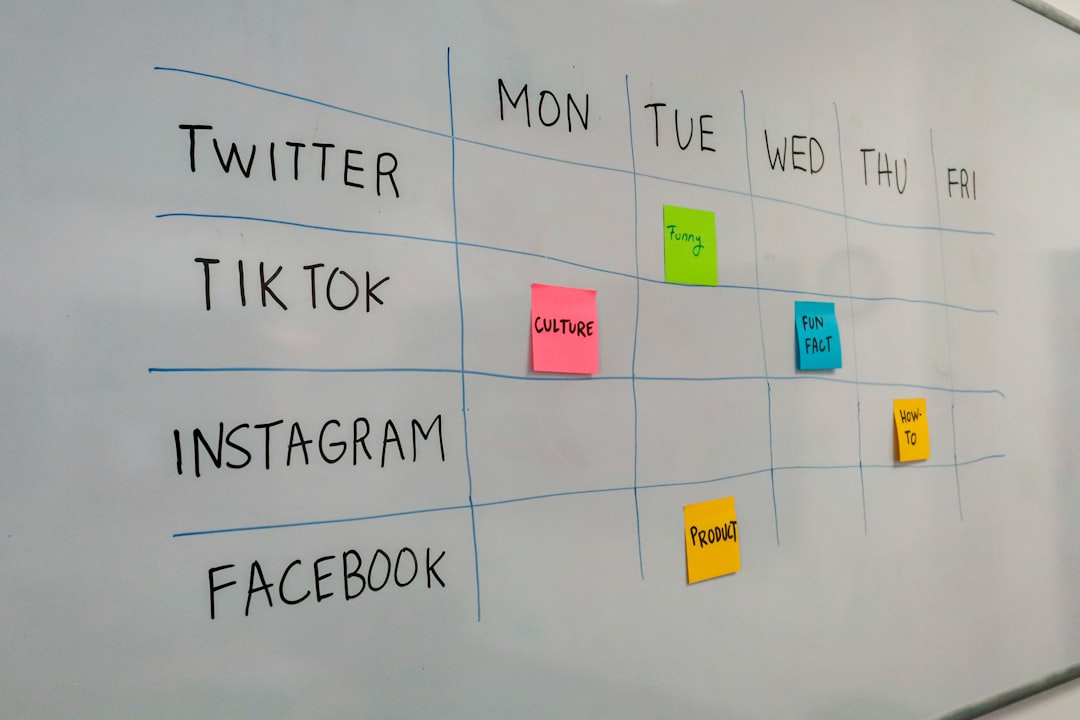
Miro focuses on visual collaboration and brainstorming rather than traditional design. It provides digital whiteboards where teams can create mind maps, wireframes, workflows, and diagrams.
- Infinite whiteboard canvas
- Real-time team voting and commenting
- Integration with Slack, Jira, and Google Workspace
- Pre-built templates for agile and strategic planning
Miro enhances the ideation stage of design projects, fostering creativity before execution begins.
5. Sketch
Sketch is another powerful UI/UX design tool widely used for web and mobile interfaces. Known for its vector-based precision and lightweight performance, it remains popular among design professionals.
- Reusable symbols and components
- Plugin ecosystem for customization
- Prototyping capabilities
- Collaboration via Sketch Cloud
While traditionally Mac-based, its web collaboration features continue to improve team workflows.
6. InVision
InVision excels in prototyping and design handoff. It allows designers to turn static screens into interactive prototypes that stakeholders can navigate and comment on.
- Clickable prototypes
- Real-time feedback tools
- Developer inspection mode
- Smooth integration with design software
By bridging the gap between design and development, InVision reduces misunderstandings and accelerates production timelines.
7. Visme
Visme specializes in data visualization and presentation design. It’s particularly useful for teams that need infographics, reports, or engaging presentations.
- Interactive charts and data widgets
- Customizable templates
- Brand controls for team consistency
- Animation and interactivity options
Visme helps translate complex information into visually engaging formats that are easy to understand and share.

Comparison Chart
| Tool | Best For | Collaboration Features | Skill Level | Platform Availability |
|---|---|---|---|---|
| Figma | UI/UX Design | Real-time editing, comments | Intermediate | Web-based |
| Adobe Creative Cloud | Professional Creative Projects | Shared libraries, cloud docs | Advanced | Desktop + Cloud |
| Canva | Marketing Graphics | Shared folders, team editing | Beginner | Web + App |
| Miro | Brainstorming & Planning | Live collaboration, voting | Beginner | Web-based |
| Sketch | Interface Design | Cloud sharing | Intermediate | Mac + Web |
| InVision | Prototyping | Commenting, developer tools | Intermediate | Web-based |
| Visme | Data Visualization | Team brand controls | Beginner to Intermediate | Web-based |
How These Tools Improve Workflow and Creativity
1. Reduced Friction: Cloud-based access ensures that files are centrally stored and accessible from anywhere. Version control issues become less frequent.
2. Faster Feedback Loops: Real-time editing and commenting minimize delays in communication.
3. Centralized Brand Management: Shared assets and brand kits guarantee consistency across campaigns and platforms.
4. Enhanced Innovation: Brainstorming platforms like Miro encourage idea sharing without limitations of physical space.
5. Streamlined Handoff: Developer tools and inspect features improve the transition from design to production.
When strategically combined, these tools create an integrated ecosystem that supports every phase of creative development—from ideation and drafting to final delivery and performance reporting.
Frequently Asked Questions (FAQ)
-
1. Which visual design tool is best for beginners?
Canva is often considered the most beginner-friendly due to its drag-and-drop interface and extensive template library. -
2. What tool is best for remote team collaboration?
Figma and Miro are excellent for remote collaboration because of their real-time editing and cloud-based infrastructure. -
3. Are these tools suitable for small businesses?
Yes, many offer scalable pricing plans, including free versions that are ideal for startups and small teams. -
4. Can these tools integrate with project management software?
Most modern design tools integrate with platforms like Slack, Jira, Trello, and Asana to streamline workflow management. -
5. Is Adobe Creative Cloud worth the investment?
For advanced creative professionals and enterprises, Adobe’s powerful capabilities and ecosystem integration make it worth the cost. -
6. How do visual collaboration tools improve creativity?
They encourage open idea sharing, provide visual clarity, reduce communication barriers, and allow teams to experiment freely in shared digital spaces.
By investing in the right visual design tools, organizations can unlock higher productivity, greater creative expression, and stronger team collaboration—turning design from a bottleneck into a competitive advantage.