

Solo freelancers face a unique challenge when managing client projects — they must stay organized, hit deadlines, and clearly communicate progress, all without the staffing and tech stacks that agencies often rely on. The key to juggling multiple clients while avoiding administrative overload is finding the right lightweight project management app that gets out of the way and lets you stay focused on the work itself.
TL;DR:
Freelancers need tools that are simple, fast, and intuitive. Four standout lightweight project management apps — Trello, Notion, ClickUp, and Todoist — provide solo professionals all the organizational power they need without adding unnecessary complexity. Each tool suits different work styles, so choosing the right one depends on how you think, plan, and communicate with clients. Below, we break down how each app can support your workflow without drowning you in features you’ll never use.
Why “Lightweight” Matters for Freelancers
Most mainstream project management tools — think Asana, Monday.com, or Wrike — are designed with teams in mind. While they offer robust collaboration features, they tend to come with:
- Steep learning curves
- Cluttered dashboards
- Overwhelming features not applicable to a solo operation
- Hefty pricing tiers designed for growing teams
For solo freelancers who wear every hat — project manager, producer, communicator — simplicity wins. A good lightweight app streamlines your core workflow: plan your week, track tasks, share progress with clients, and deliver on time — all in a clean, digestible interface.
1. Trello: The Visual Taskboard for Creatives
Best for: Visual thinkers and freelancers managing iterative or stage-based work
Trello is a classic Kanban-style app favored by freelancers for its drag-and-drop boards and minimalist layout. If you communicate heavily through visual workflows — whether that’s stages of content production, steps in a design sprint, or phases of a website build — Trello offers a natural project layout with zero training required.
- Clean, board-based view for easy project snapshots
- Customizable lists and cards with checklists, file sharing, comments
- Collaboration features for occasional client involvement
- Power-ups (integrations) to extend functionality without complexity
Example Use Case: A freelance designer uses Trello columns to represent each phase of a client project: discovery, wireframes, mockups, revisions, handoff. All assets, deadlines, and notes live in a single visual board clients can also access.


Noteworthy downside: Trello’s layout may become limiting if your work requires gated task dependencies or complex timeline views.
2. Notion: For the Freelancer Who Writes, Plans, and Thinks in Docs
Best for: Content strategists, writers, and consultants who combine writing, planning, and collaboration
Notion has exploded in popularity for good reason — it’s a hybrid between a note-taking space and database, which means it can operate as your task manager and knowledge base at the same time. For clients who want updates documented clearly, Notion lets you present work in beautifully structured ways through linked pages, toggles, and databases.
- All-in-one multi-purpose hub (docs, tasks, wikis)
- Database-driven task lists with filtered views
- Templates for invoices, meeting notes, timelines
- Shareable pages for client updates and deliverables
It’s ideal if you do deep thinking and need space to organize client research, not just tasks. Many freelancers build custom dashboards to track their freelance business and their projects side-by-side.

Lean Tip: You can prototype a full client project plan, write your meeting agenda, and paste deliverables on one shareable Notion page — replacing other tools like Docs, Sheets, and separate task apps.
3. ClickUp: The Power User’s Lightweight Tool
Best for: Freelancers who want granular control but still value simplicity
ClickUp walks the line between robust and fast. While it draws many of its features from heavier tools like Asana, it’s surprisingly manageable when scaled down for solo use. It gives you full flexibility over how you want to manage a project — list view, Kanban, calendar, or Gantt — without overwhelming you with complexity.
- Highly customizable task hierarchies
- Time tracking for billing your hours directly
- Priorities, reminders, tagging, and filtering
- Client sharing with limited permissions
ClickUp is perfect for freelancers handling multiple overlapping client campaigns or retainer work. It grows with your complexity — but doesn’t force its weight on you when you start small.
Example Use Case: A fractional marketer manages overlapping calendars for 3 retainer clients. ClickUp helps track deliverables, deadlines, and campaign assets in one view, complete with recurring tasks and time estimates.
Keep in mind: ClickUp’s interface is more dense, so it suits freelancers who enjoy systems and don’t mind a short setup period.
4. Todoist: The Minimalist’s Powerhouse
Best for: Freelancers who want to keep things as simple as possible
Todoist is a deceptively powerful task list tool. With natural language processing (e.g. “Send invoice every Friday”), elegant design, and device-syncing across desktop and mobile, it’s a favorite for freelancers who like a checklist-style interface with just enough nuance to run projects without fuss.
- Subtasks and sections for basic project hierarchy
- Labels and filters for contextual planning (e.g. by client or type of task)
- Recurring tasks, deadlines, and priorities
- Light collaboration features for sharing lists with clients or collaborators
Don’t be fooled by the simplicity — it easily handles a 5-client load if you tag and filter effectively. It’s also one of the fastest tools to adopt on mobile or browser extension for on-the-go task capture.
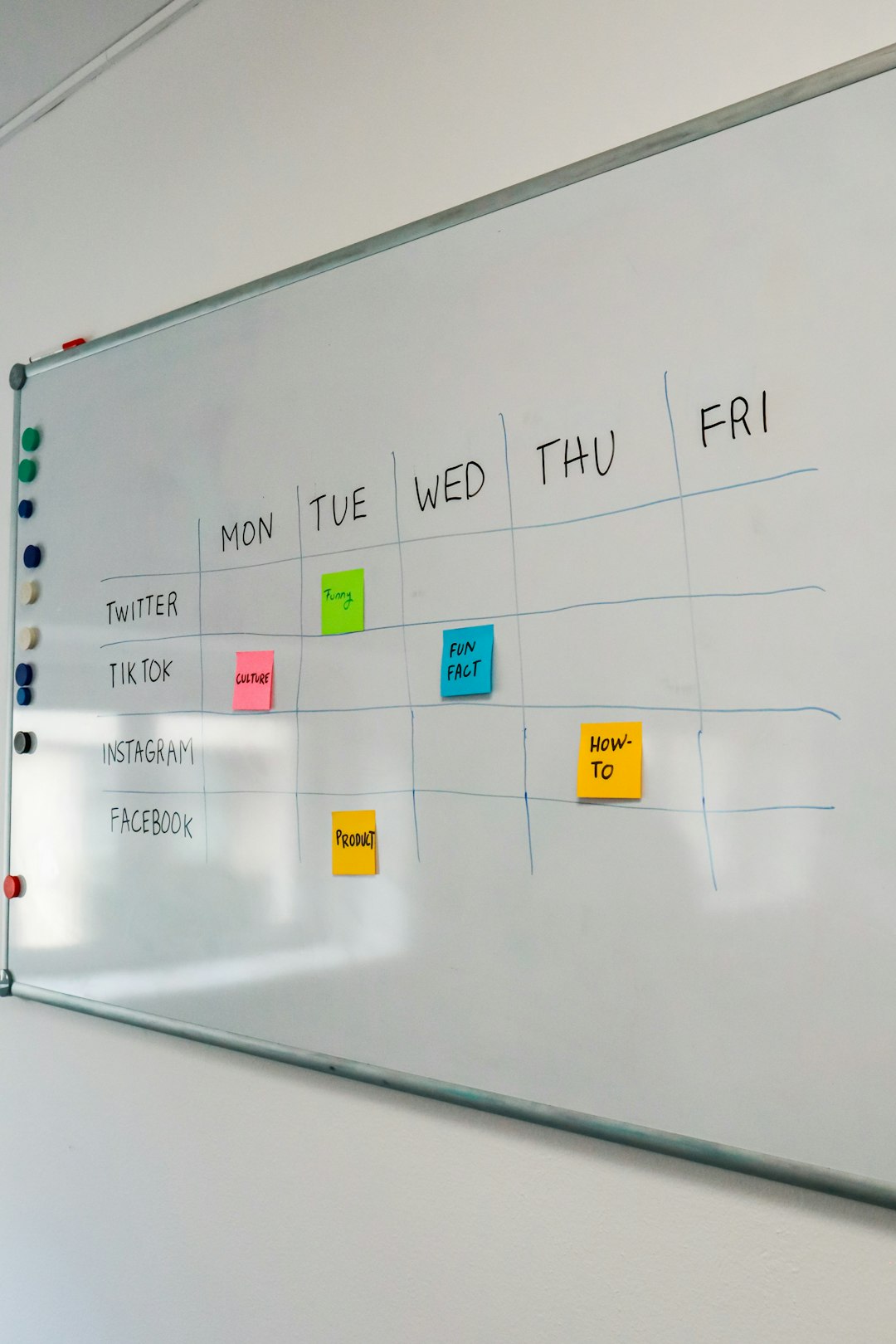
Scenario: A web developer juggles support tasks for legacy clients and new builds for ongoing contracts. With Todoist, tasks are filtered with labels like “client-A” or “urgent,” keeping high priority work visible without overcomplicating the dashboard.
Which Should You Choose?
If you’re a solo freelancer, the three deciding factors in choosing a project management app are:
- Your work style: Visual? Text-based? Structured?
- Client communication: Do you invite them in, or just update them?
- Your tech comfort: Are you a tinkerer, or do you need it to “just work”?
Here’s a quick summary of who each app is best for:
| App | Best For | Why |
|---|---|---|
| Trello | Visually organizing step-based work | Kanban simplicity, drag-and-drop ease |
| Notion | Writers, planners, and strategy freelancers | All-in-one doc and task database |
| ClickUp | Power users with multiple projects | Granular control, timeline views |
| Todoist | Minimalists and checklist lovers | Fast, elegant, and deeply functional |
Final Thoughts
As a freelancer, your time is your currency — and project management shouldn’t be a tax on it. The best tool is the one that cuts mental clutter, fits your natural planning style, and stays out of the way. Start small: test one app, set up one project, and see how it feels. Over time, refine your setup to match your flow instead of forcing yourself into agency-style processes.
Clients hire freelancers for their agility and focus — with the right lightweight tools, you can protect both while