
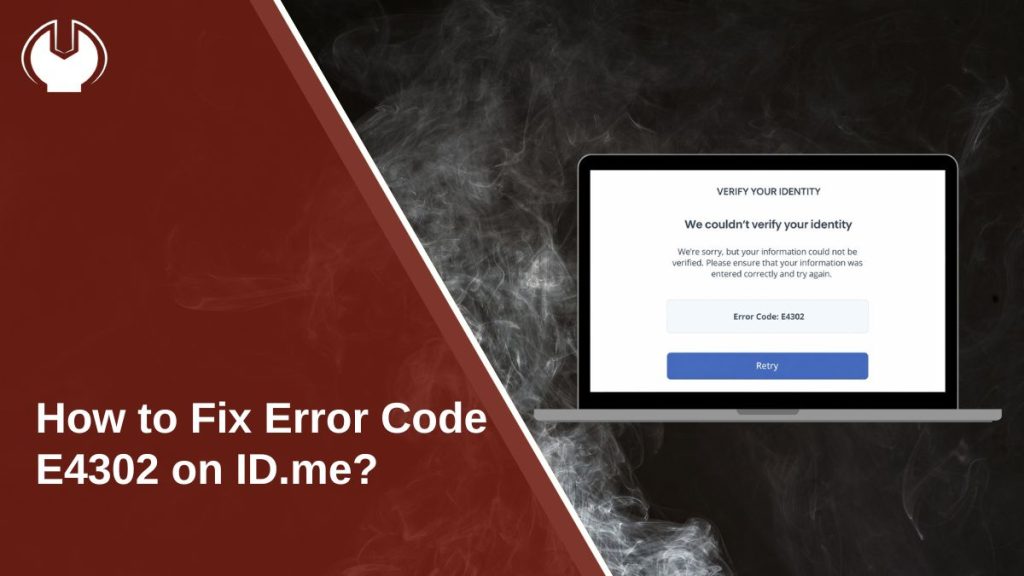
Seeing error code E4302 on ID.me can be stressful, especially when you need quick access to services like the IRS, SSA, or VA. This error often shows up during sign-in or identity verification and blocks you from moving forward. Don’t worry. This guide explains what the error means, why it happens, how to fix it step by step, and how to avoid it later.
What Is Error Code E4302 on ID.me?
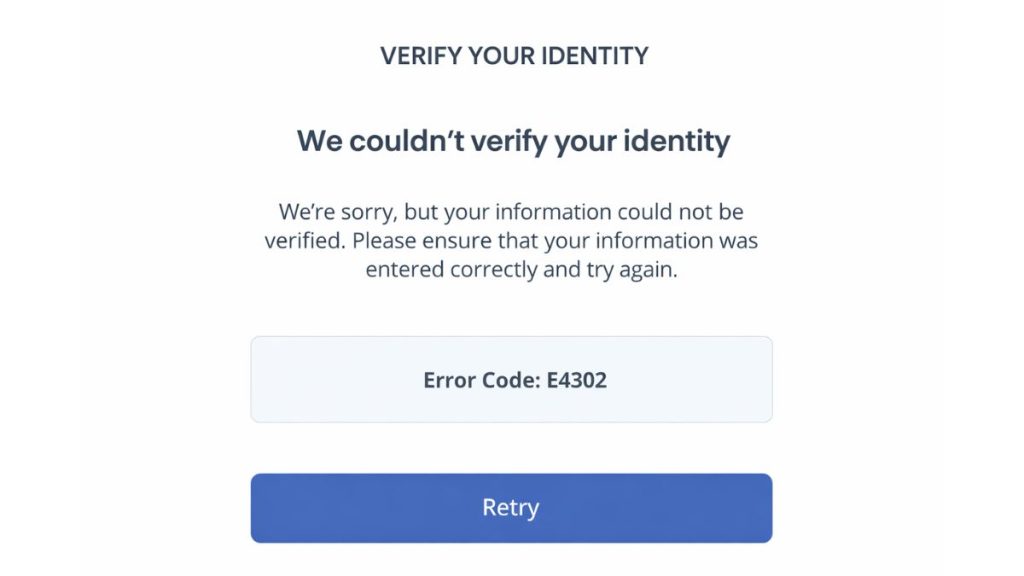
Error code E4302 is a security-related access error on ID.me. It means the system stopped a login or verification attempt to protect the account. This usually happens when ID.me detects something unusual or incomplete during the sign-in process.
You may see this error while logging in, during identity verification, or when connecting your ID.me account to a government service like the IRS or Social Security. Sometimes the message appears after several attempts. Other times, it shows up right away.
Common Causes of Error Code E4302
This error can occur for several reasons tied to login behavior, browser data, or security checks.
- Too many failed login attempts in a short time
- Corrupted browser cache or cookies
- VPN or proxy masking your IP address
- Signing in from a new device or location
- Cookies or JavaScript turned off
- Account flagged by ID.me security checks
- Network or IP address changing during login
How to Fix Error Code E4302 on ID.me?
In most cases, you can fix this issue by adjusting browser or network settings. Try the fixes below one by one.
Fix #1: Clear Browser Cache and Cookies
Stored browser data can conflict with ID.me login sessions. Follow the steps below to easily clear cache and cookies.
- Open your browser settings
- Go to Privacy or History
- Select Clear browsing data
- Choose cookies and cached files
- Clear data and restart the browser
After this, try signing in again.
Fix #2: Disable VPN or Proxy
VPNs and proxies can trigger security blocks because they hide your real location. Turn off your VPN or proxy and connect to a regular home or mobile network. Then retry the login.
Fix #3: Try a Different Browser or Device
Sometimes the issue is browser-specific.
Try signing in using a different browser like Chrome, Edge, or Firefox. You can also try a phone or another computer. This helps rule out local browser problems.
Fix #4: Enable Cookies and JavaScript
ID.me needs cookies and JavaScript to run security checks.
Check your browser settings and make sure cookies are allowed. JavaScript should also be turned on. Reload the page after changing settings.
Fix #5: Wait and Try Again Later
If you tried to log in many times, ID.me may apply a temporary lock. Wait a few hours before trying again. This pause often clears short-term security blocks.
Fix #6: Verify Your Identity Again
Incomplete verification can trigger this error.
Sign in to ID.me and follow the identity verification steps carefully. Make sure your personal details match your documents and complete the process in one session.
Fix #7: Check Two-Factor Authentication Settings
Problems with two-factor authentication can stop access.
Confirm your phone number or authenticator app is working. If needed, reset your 2FA method from account settings.
Fix #8: Contact ID.me Support
If nothing works, your account may be locked or flagged. Contact ID.me support through their help center. Share the error code and explain what you were trying to do. Support can unlock or review your account.
Prevention Tips to Avoid Error Code E4302 in the Future
Prevention helps avoid repeat blocks and delays.
- Avoid repeated login attempts
- Use a trusted device and network
- Keep cookies enabled
- Do not use VPNs during login
- Complete verification in one session
- Save recovery options
- Keep your browser updated
Conclusion
In short, error code E4302 on ID.me means the system blocked access for security reasons. It usually links to login attempts, browser data, or network changes.
Try the fixes above and follow the prevention tips. If the error keeps showing, reach out to ID.me support for help. If this guide helped you, share it and leave a comment so others can benefit too.