
If your PlayStation 2 only reads discs when you flip the console upside down, it can feel confusing and a bit worrying. You expect the game to load, but it doesn’t unless you turn the system over.
This issue matters because it points to a hardware problem inside the PS2. While flipping the console may work for a short time, it is not a real fix and can cause more damage later. In this guide, you’ll learn why this happens, what it means for your console, how to fix it safely, and when repair or replacement makes sense.
What Does “PS2 Not Loading Disc Unless Upside Down” Mean?
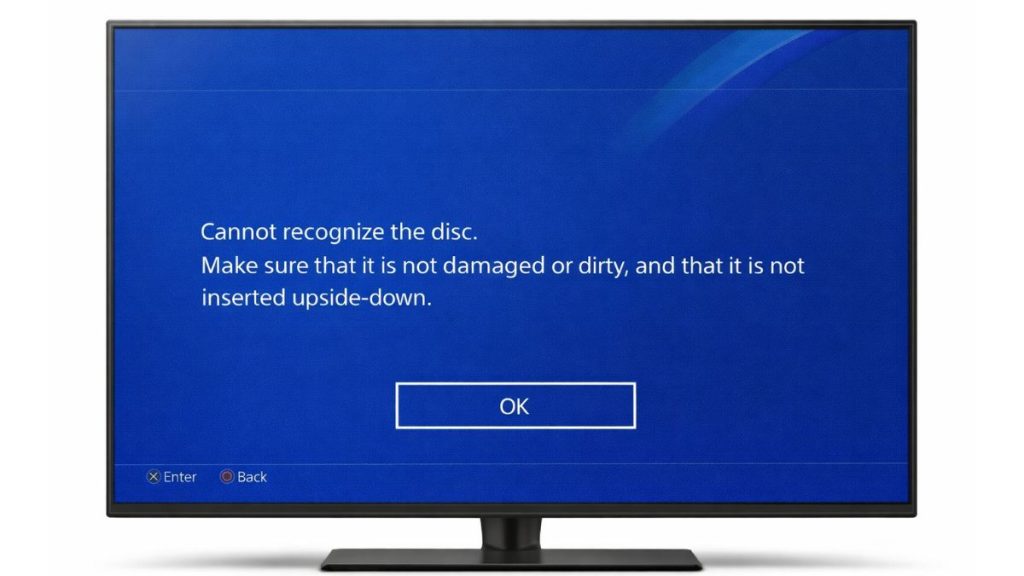
This problem means the PS2 disc drive struggles to read the game disc when the console sits in its normal position. Turning the console upside down changes how gravity affects the internal parts, which can temporarily help the disc load.
Players usually notice the disc spinning but nothing happens, or they see a black screen or disc read error. Some PS2 consoles read CD games but fail with DVD games, or the opposite. This behavior often appears in older systems made by Sony Computer Entertainment, especially after years of regular use.
Common Causes of PS2 Disc Reading Issue
This issue doesn’t come from software. It almost always comes from aging hardware inside the console.
- Weak or worn laser lens
- Dust buildup inside the PS2 disc drive
- Laser alignment shifting over time
- Disc rotation motor wear
- Dirty or scratched game discs
- Loose internal ribbon cables
- Console age and long-term use
How to Fix PS2 Not Loading Disc (9 Fixes)
Most fixes focus on cleaning, testing, or correcting hardware strain. Try these in order and stop once the console reads discs normally.
Fix #1: Clean the Game Disc Properly
Sometimes the issue is the disc, not the console.
Here are the following steps which help you clean a PS2 disc safely.
- Remove the disc from the console
- Hold it by the edges
- Wipe from the center outward with a soft cloth
- Avoid circular wiping
- Let the disc dry fully
Insert the disc again and test.
Fix #2: Clean the PS2 Laser Lens Safely
Dust on the laser lens weakens its ability to read discs.
Follow the steps below to clean the lens carefully.
- Power off and unplug the PS2
- Open the disc tray
- Use a cotton swab with light pressure
- Do not use liquid
- Let it sit before powering on
This can improve disc detection right away.
Fix #3: Test Different Discs (CD vs DVD Games)
PS2 consoles use different lasers for CDs and DVDs. One may fail before the other.
Try loading multiple game types. If CDs work but DVDs do not, or the opposite, the laser assembly is wearing out. This test helps confirm the real problem before moving forward.
Fix #4: Place the Console on a Flat, Stable Surface
Uneven placement puts stress on the disc drive.
Here’s how you can position the console correctly.
- Place the PS2 flat on a solid surface
- Avoid soft or angled areas
- Keep it away from vibration
- Ensure good airflow
- Try loading the disc again
This removes extra strain from internal parts.
Fix #5: Avoid Using the Console Upside Down Long-Term
Flipping the PS2 works only because gravity helps the laser align temporarily.
Using the console upside down can damage the disc motor, laser rail, and internal cables. It also increases heat buildup. Treat this method as a test, not a solution.
Fix #6: Reset Console Position and Reinsert Disc
Sometimes the disc doesn’t seat properly on first load. Eject the disc, power off the PS2, wait a minute, then reinsert the disc and restart. This simple reset can help the laser refocus correctly, especially after long play sessions.
Fix #7: Check for Overheating or Dust Buildup
Heat and dust reduce laser accuracy. Turn off the console and let it cool completely.
Check vents for dust and clean them gently. Keeping airflow clear helps the disc drive maintain stable performance during use.
Fix #8: Adjust or Replace the Laser Assembly
When cleaning no longer helps, the laser is likely worn. Laser replacement kits exist for PS2 models, but this fix requires opening the console and careful handling.
If you are not comfortable with hardware repair, skip this step to avoid damage.
Fix #9: Consider Professional Repair or Replacement
If none of the fixes work, the disc drive may be at the end of its life. A repair shop can replace the laser or drive motor. In some cases, replacing the console may cost less than repair, especially for very old units.
Prevention Tips to Avoid PS2 Disc Reading Problems
Good habits can extend the life of your PS2.
- Store discs in cases
- Clean discs before use
- Keep the console dust-free
- Avoid moving the console while running
- Use the PS2 in a cool room
- Power off properly after playing
Conclusion
In short, a PS2 that only reads discs upside down usually has a weak laser or internal alignment problem. Gravity helps it work for now, but it’s a warning sign.
Try the safe fixes first and avoid relying on upside-down use. If the issue continues, repair or replacement may be the best option. If this article helped, share it with other PS2 owners and leave a comment about which fix worked for you.