
Whether you’re making videos for YouTube, TikTok, or just for fun, video editing is a must. But not everyone wants to pay big bucks or deal with giant watermarks blocking their content. Luckily, there are some amazing free video editing apps out there that offer professional features—and best of all, no watermarks!
TLDR: You don’t have to spend a fortune to create high-quality videos. There are free video editing apps that offer powerful tools and export your videos without any watermarks. In this list, we’ve rounded up 7 of the best ones you can start using today. These tools are perfect for beginners and pros alike.
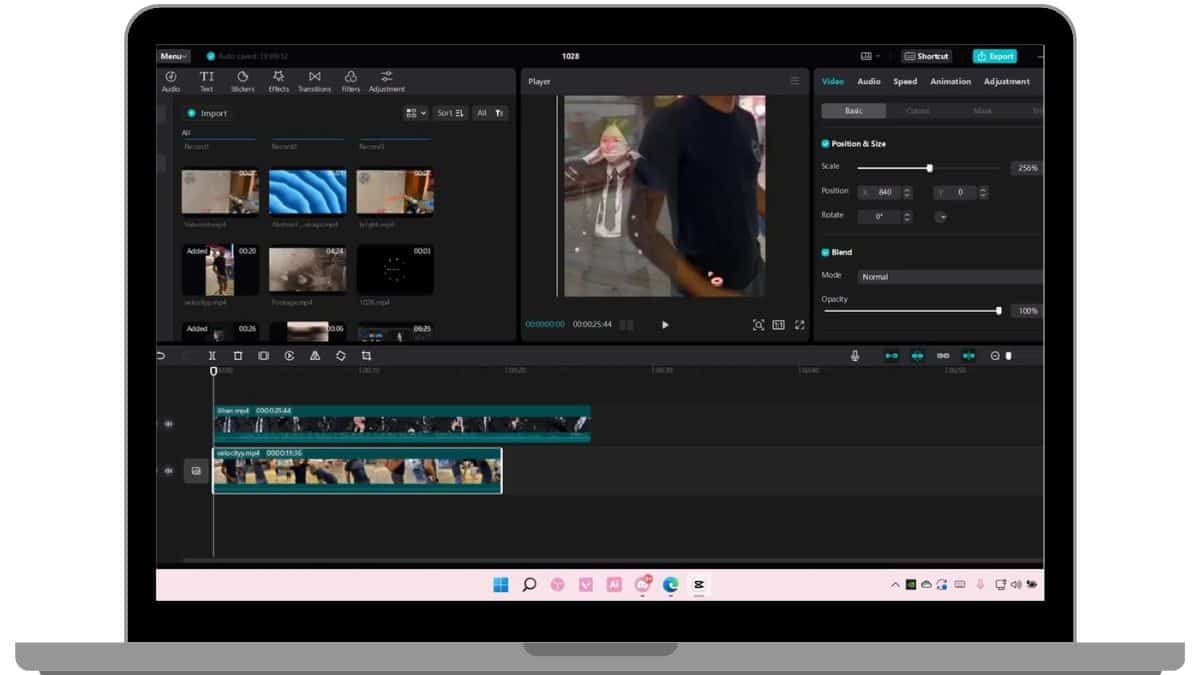
1. CapCut
Available on: Android, iOS, Desktop
CapCut has exploded in popularity, especially among TikTok creators. It’s made by ByteDance—yes, the same folks behind TikTok—so you know it’s optimized for social video magic.
- Easy drag-and-drop interface
- Cool transitions and effects
- Auto captions
- No watermark!
This app is perfect for people who want to dive in and make cool videos without a long learning curve.

2. VN Video Editor
Available on: Android, iOS, Windows, Mac
VN, short for “VlogNow,” is loved by vloggers and creators of all kinds. It’s sleek, minimal, and packed with features.
- Import and manage multiple video tracks
- Custom transitions and speed control
- Green screen support
- No watermark even after export
You’ll feel like you’re editing on a pro desktop editor, but on your phone or tablet.
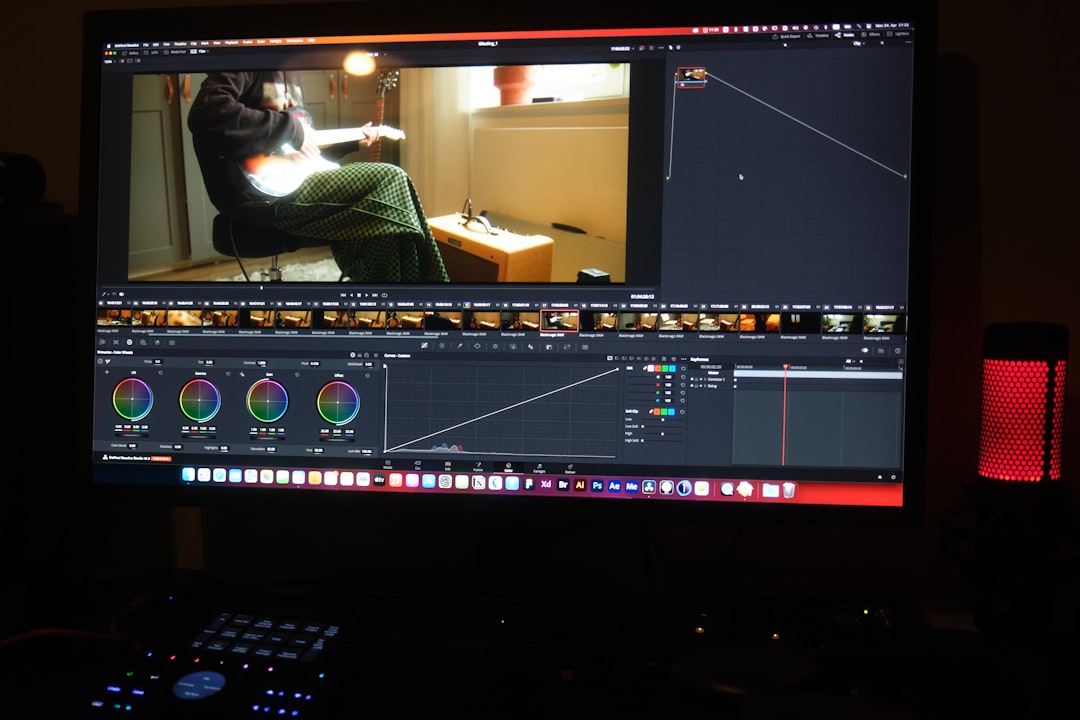
3. DaVinci Resolve
Available on: Windows, Mac, Linux
This one is for the serious editors. DaVinci Resolve is used by Hollywood editors—and yes, there’s a powerful free version that includes tons of pro features.
- Color grading like a boss
- Multi-cam editing
- Fairlight audio effects
- No watermark even at export
It does require a bit of learning, but once you get the hang of it, it’s like having a movie studio on your computer.

4. Clipchamp
Available on: Windows (Web-based app)
Clipchamp might look simple, but it packs a punch. Microsoft now owns it, and it works great for quick editing projects right in your browser.
- No downloads needed
- Stock audio and video included
- Clean interface
- No watermark with free personal use exports
It’s perfect for students or anyone with a mid-range PC who just wants to make solid videos easily.
5. InShot
Available on: Android, iOS
InShot is wildly popular for Instagram reels and TikToks. It’s fast, pretty, and reliable.
- Smooth timeline editing
- Cool stickers and filters
- Easy voiceover features
- You can remove the watermark by watching an ad (no payment needed!)
With just a little effort, you can edit a video that looks like it took hours—in just minutes.
6. Lightworks
Available on: Windows, Mac, Linux
This one’s for the ones who’ve outgrown the basic tools. Lightworks has been around for ages, and it’s used in the film industry. Yeah, for real movies.
- Timeline precision
- Real-time effects and color correction
- Multi-user collaboration
- No watermark with the free version (but limited export formats)
If you’re aiming to make cinematic stuff without spending hundreds, this one’s a gem.
7. HitFilm Express
Available on: Windows, Mac
HitFilm Express is like having a video editor and a visual effects studio in one app. It’s super advanced—but don’t worry, there are lots of tutorials!
- Over 400 visual effects and presets
- 2D and 3D compositing
- Custom transitions
- No watermark (but you may have to create a free license)
It’s ideal for someone wanting to make stunning YouTube intros, short films, or flashy music videos.
Bonus Tips for Picking the Right Editor
Still not sure which one to pick? Here’s a quick cheat sheet:
- Just starting out? Try CapCut or InShot.
- Editing from your browser? Clipchamp is a slick choice.
- Looking for advanced features? Go with DaVinci Resolve or HitFilm Express.
- Want a good mobile + desktop combo? VN has your back.
What About Learning Curves?
Not gonna lie, some of these apps have steeper learning curves than others. But that’s okay! Most of them come with built-in tutorials or have tons of YouTube videos to help you out.
Start small, experiment, and find your style.
Why No Watermark Matters
When you’re proud of your work, the last thing you want is a big fat watermark ruining the vibe. Apps that remove watermarks for free give you room to grow, share, and shine.
Plus, watermark-free videos look more professional and are taken more seriously by clients, brands, or followers.
Final Thoughts
You don’t need to empty your wallet to make awesome videos. With these free, no-watermark video editors, the only limit is your imagination. Whether you’re crafting viral TikToks, putting together a travel vlog, or editing your first short film, one of these apps is going to be your new best friend.
So go ahead—download one (or three), start editing, and show the world your creativity. Movie magic is only a few clicks away!