Most filmmakers know Adobe Media Encoder. It ships with Premiere Pro. It gets the job done. But it is not the only game in town. In fact, many professionals quietly use other tools. Some are faster. Some are cheaper. Some give you more control. And some simply feel better to use.
TLDR: Many filmmakers use powerful video encoding tools beyond Adobe Media Encoder. These tools can be faster, more flexible, or better suited for specific workflows like streaming, archiving, or high-end cinema delivery. Options like FFmpeg, HandBrake, and Telestream Episode offer serious control and efficiency. If you want better compression, batch processing, or custom pipelines, these hidden tools are worth a look.
1. FFmpeg
Let’s start with the quiet giant.
FFmpeg is not flashy. It has no fancy interface. It runs in the command line. That scares some people. But filmmakers who learn it rarely go back.
It is:
- Free
- Open-source
- Extremely powerful
You can encode almost any codec. ProRes. H.264. H.265. DNxHD. AV1. Even obscure formats broadcasters still request.
Studios love it because it can be automated. You can build scripts. Render farms use it. Streaming platforms rely on it behind the scenes.
Downside? There is a learning curve. But once you know a few commands, it feels like magic.
2. HandBrake
If FFmpeg feels scary, HandBrake feels friendly.
It is also free. And it has a clean interface.
Indie filmmakers love it for:
- Compressing screeners
- Creating festival submissions
- Making small web-ready versions
You get presets. You get bitrate controls. You can tweak quality using RF values instead of guessing bitrates.
It is simple. But under the hood, it is very powerful. It even uses FFmpeg libraries.
3. Apple Compressor
If you work in Final Cut Pro, you may prefer Apple Compressor.
It integrates beautifully with macOS. It feels native. Smooth. Clean.
What makes it special?
- Custom encoding presets
- Distributed encoding across multiple Macs
- Tight ProRes optimization
It shines in Apple ecosystems. If you deliver ProRes often, Compressor can outperform Media Encoder.
Many documentary filmmakers swear by it.
4. Telestream Episode
This one feels like a secret weapon.
Telestream Episode is used in broadcast environments. Newsrooms. TV stations. Production houses.
It is built for heavy-duty encoding pipelines.
You can:
- Automate watch folders
- Create complex delivery rules
- Manage large batch encodes
It is not cheap. But for studios delivering hundreds of files daily, it is a dream.
Media Encoder can batch files. Episode builds entire encoding systems.
5. Sorenson Squeeze (Legacy Favorite)
Old-school filmmakers remember Sorenson Squeeze.
It was the gold standard in early web video days.
Even though it is no longer dominant, many veterans still admire its smart compression engine. It offered fine-tuned control when streaming video was still experimental.
Why mention it?
Because its approach shaped modern encoding workflows. Many techniques used today evolved from tools like Squeeze.
It reminds us that sometimes the best tools are not the newest ones.
6. DaVinci Resolve Deliver Page
Many filmmakers don’t realize this.
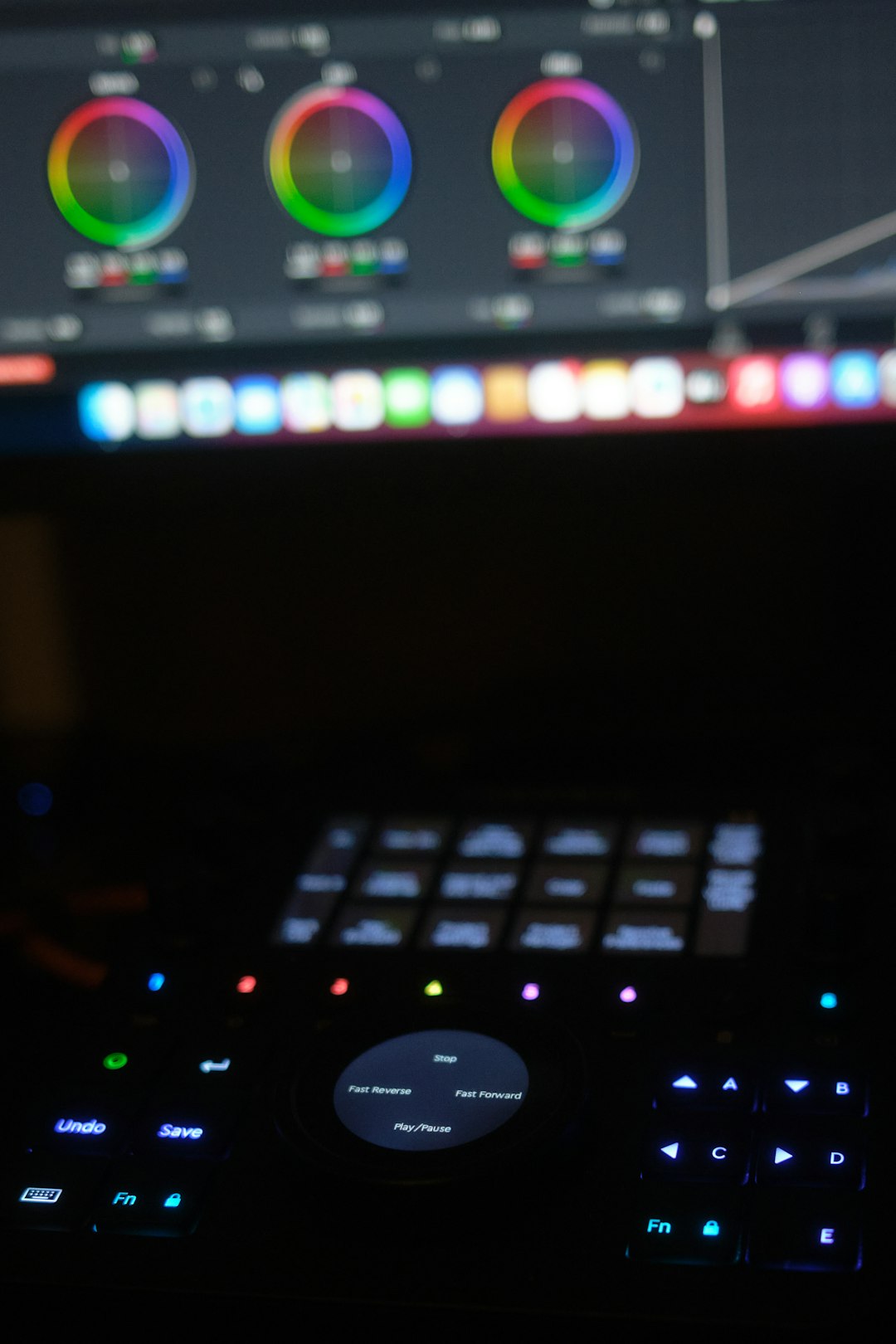
DaVinci Resolve is not just for color grading. Its Deliver Page is a serious encoding tool.
You can export:
- IMF packages
- Custom YouTube and Vimeo presets
- Broadcast-ready masters
- High-end cinema files
And it is fast. Very fast.
GPU acceleration makes a big difference. Especially with modern codecs.
For many creators, Resolve completely replaces Adobe Media Encoder.
7. Shutter Encoder
Here’s a hidden gem.
Shutter Encoder is gaining serious popularity among indie filmmakers.
It is:
- Free
- Cross-platform
- Built on FFmpeg
But unlike FFmpeg, it has a friendly interface.
You click. You choose a function. You export.
It supports an incredible range of formats. Even unusual ones requested by festivals.
Many assistant editors keep it on standby. It solves weird problems quickly.
Think of it as FFmpeg with a helpful face.
8. Voukoder
Voukoder is like giving your NLE a superpower.
It works as a plugin. It connects directly to software like:
- Premiere Pro
- After Effects
- Vegas Pro
It replaces internal encoders with high-quality FFmpeg-based options.
The big attraction?
Better compression efficiency. Especially for H.264 and H.265.
Many YouTubers and online filmmakers prefer it because it squeezes smaller file sizes without crushing quality.
And yes. It is free.
9. AWS Elemental MediaConvert
This one lives in the cloud.
AWS Elemental MediaConvert is not for hobbyists. It is built for streaming platforms and large productions.
You upload masters. The cloud handles everything.
It can:
- Create adaptive bitrate streaming packages
- Handle DRM encryption
- Process massive libraries automatically
Netflix-style workflows rely on tools like this.
You pay per use. No heavy hardware required.
For filmmakers building their own streaming service, this tool changes everything.
Image not found in postmetaWhy Filmmakers Look Beyond Adobe Media Encoder
Adobe Media Encoder is solid. It integrates well with Premiere Pro.
But it has limitations.
- It can feel slow with heavy batches.
- It sometimes struggles with complex codecs.
- It is tied to a subscription.
Other tools offer:
- More control over bitrate and compression math
- Automation with scripting and watch folders
- Better GPU utilization
- Lower cost or even free access
Professionals choose tools based on workflow. Not brand loyalty.
How to Choose the Right Tool
It depends on what you do.
If you are a YouTuber:
Try HandBrake or Voukoder.
If you are a colorist:
Lean into DaVinci Resolve.
If you are a broadcast studio:
Look at Telestream Episode or cloud solutions.
If you are a tech-savvy filmmaker:
Learn FFmpeg. It pays off.
There is no universal winner. Only the right fit.
The Fun Part: Experimenting
Encoding is often treated as boring. Technical. Dry.
But it is creative in its own way.
The way you compress a film affects:
- Texture
- Motion clarity
- File size
- Streaming smoothness
Different tools produce slightly different results. Subtle differences. But real ones.
Serious filmmakers test multiple encoders before final delivery. Especially for high-profile releases.
Think of encoding as the final polish on your film.
Final Thoughts
Adobe Media Encoder is convenient. It works. It is familiar.
But the filmmaking world is bigger than one tool.
Hidden tools like FFmpeg, Shutter Encoder, and Resolve’s Deliver Page give creators more power. Cloud systems like AWS Elemental open doors to global distribution. Broadcast tools handle industrial-scale workflows.
The best part?
Many of these tools are free. Or at least affordable.
So explore. Test. Experiment.
Your films deserve the best possible final export. And sometimes, that means looking beyond the obvious choice.
Because great storytelling does not stop in the edit. It finishes in the export.
Published on February 13, 2026 under .
