Ever had a great coffee at a cozy café or enjoyed excellent customer service at your local hardware store? Want to help others find those gems too? Leaving a Google review is an easy way to do that. Whether it’s to rave or to warn, your opinion matters!
TL;DR
Leaving a review on Google is super simple. Just sign into your Google account, search for the business, and click the “Write a Review” button. Share your thoughts, give a star rating, hit post, and you’re done. Reviews help others and support great local businesses!
Why Leave a Google Review?
Think about how often you check reviews before choosing a restaurant or hiring a plumber. Pretty often, right? So your review helps people just like you!
- Support good businesses – Help the best ones get noticed.
- Share your experiences – Good or bad, they matter.
- Guide others – Think of it as digital word-of-mouth.
What You’ll Need
Before we dive in, let’s make sure you’ve got everything:
- A Google account – Gmail works fine!
- Access to the internet – On your phone, tablet, or computer.
- A business or place to review – Got one in mind? Perfect!
Step-by-Step: How to Leave a Review on Google
1. Sign into Your Google Account
You can’t leave a review without being signed in. Don’t have a Google account? No worries—it’s free and takes just a minute to create.
2. Search for the Business
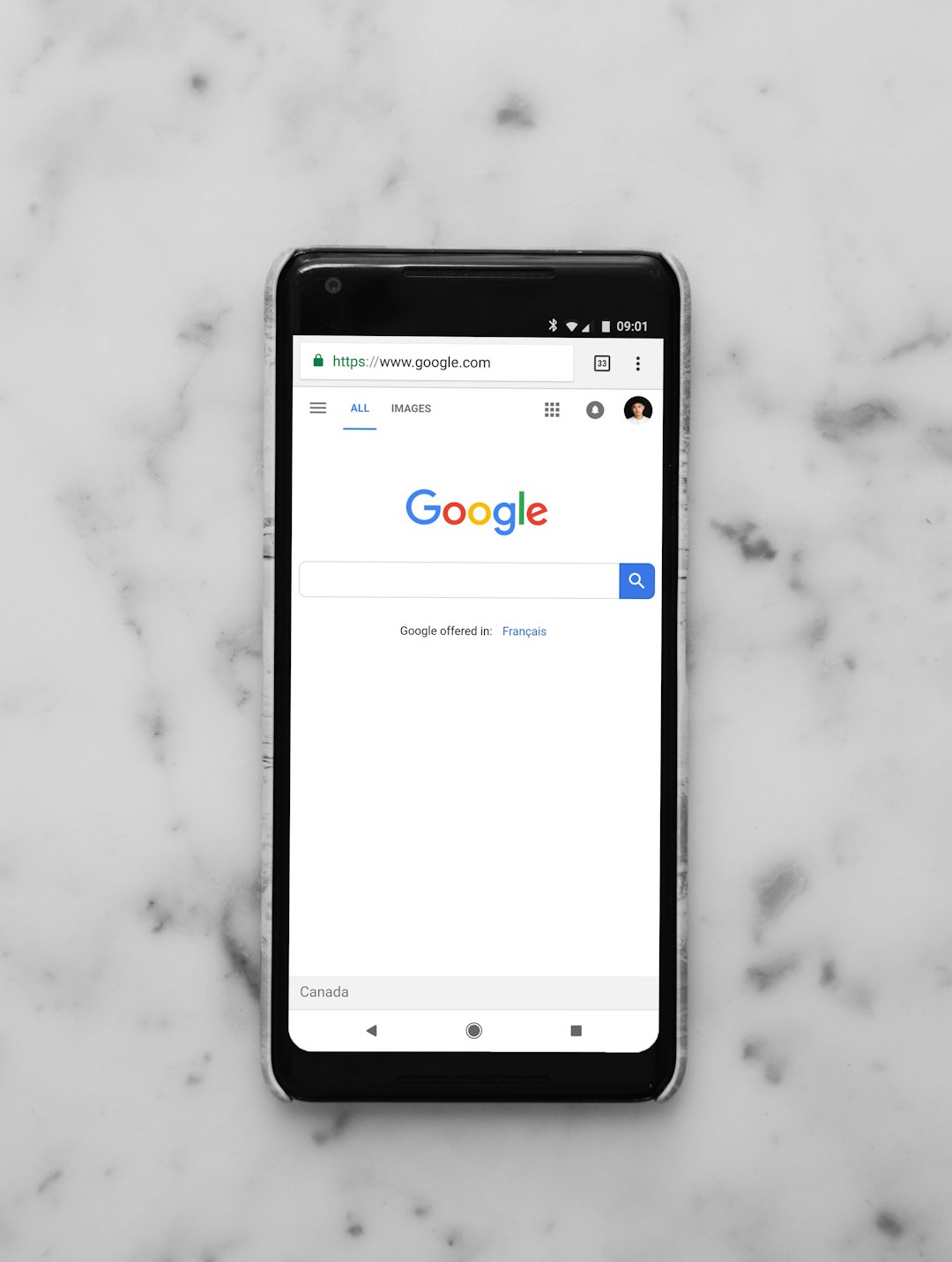
Use Google Search or Google Maps. Just type the name of the business or place in the search bar.
Example: Let’s say you visited “Sunbeam Coffee.” Just type that into Google or Maps.
3. Scroll to the Business Profile
Once the business pops up, you’ll see its profile box on the right side (on desktop) or top (on mobile). That’s where you’ll work your magic.
4. Click “Write a Review”
Look for a section that says “Reviews.” Underneath, you’ll see stars and a little button saying “Write a Review”.
Click that. Boom. You’re in.
5. Give Your Star Rating
It’s a 1-to-5 scale:
- 1 Star – Yikes. Very poor experience.
- 2 Stars – Meh. Not great.
- 3 Stars – Okay. Average service or product.
- 4 Stars – Good! A few small issues maybe.
- 5 Stars – Fantastic! You loved it!
6. Write Your Review
This is your moment! Tell people what happened. Was the staff friendly? Was the burger mouthwatering? Be honest and specific.
Here’s an easy way to break it down:
- What you got or did – Coffee, haircut, car repair?
- How it went – Good vibes? Or not?
- Would you recommend it? – Yes, no, maybe?
Tip: Keep it short and simple, unless you’ve got a great story!
7. (Optional) Add Photos
A picture’s worth a thousand words. If you took any pics—of your food, the product, or the place—you can upload them here.

This helps others get a visual sense of what to expect.
8. Hit “Post”
Double-check your words and click that blue “Post” button.
That’s it. You’re officially a reviewer now! 🎉
Review Tips for Max Impact
Want to be an all-star reviewer? Here’s how to make your reviews count:
- Be honest but respectful.
- Use proper grammar (most of the time 😄).
- Mention staff names if someone stood out.
- Highlight unique things – like free WiFi or amazing playlists.
Can You Edit or Delete Your Review?
You sure can! If you change your mind or visit again and have a different experience, here’s what to do:
- Go to Google Maps.
- Click the hamburger menu ☰ (top left) and go to Your Contributions.
- Select the review you want to edit or delete.
- Make your changes or remove it completely.
Tip: Google doesn’t allow anonymous reviews. Keep that in mind before posting something spicy!
What About Negative Reviews?
Sometimes things go wrong. We get it. If you had a bad experience, writing a review can help the business improve.
Don’t be mean—be helpful.
Try saying something like: “The product didn’t work for me, and customer support was hard to reach. Hope they improve!”
That’s fair and respectful.
Bonus: Become a Google Local Guide
If you enjoy reviewing, you can level up by becoming a Google Local Guide. It’s free and fun!
You collect points and badges, and sometimes even perks! 🎁
- Review places
- Add photos
- Answer questions from other users
It’s a great way to help your community and explore places in more detail.
Final Thoughts
Leaving a Google review is quick and easy, but it can make a big impact. Businesses notice them. Future customers trust them. And you get to lend your voice to the giant conversation called the Internet.
So next time you visit somewhere cool—or not cool—take 2 minutes to leave a review. Share the love (or the learning experience). 💬
Ready to give it a try? Go on. Make someone’s day—or help them do better.
Published on December 9, 2025 under .
